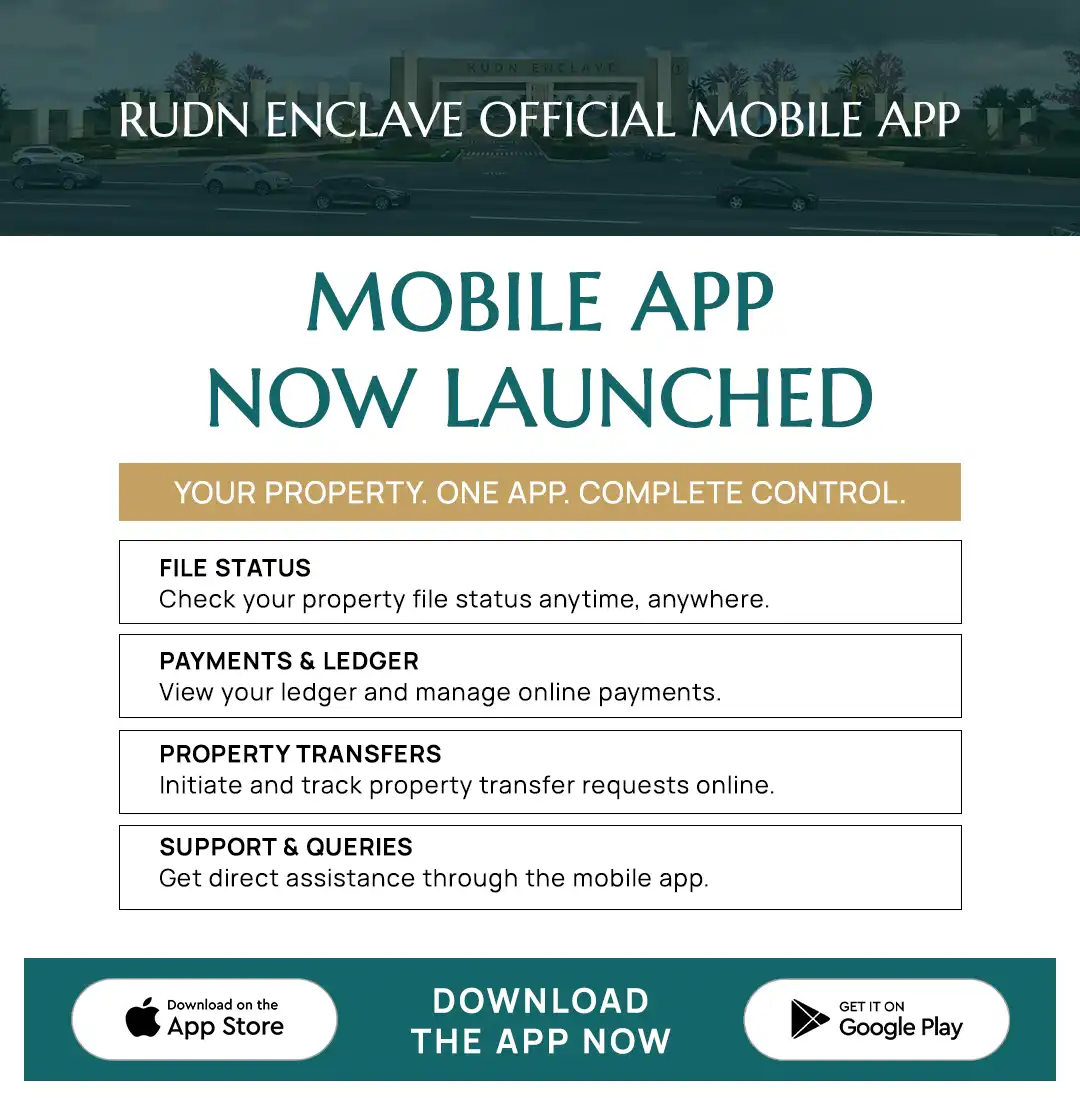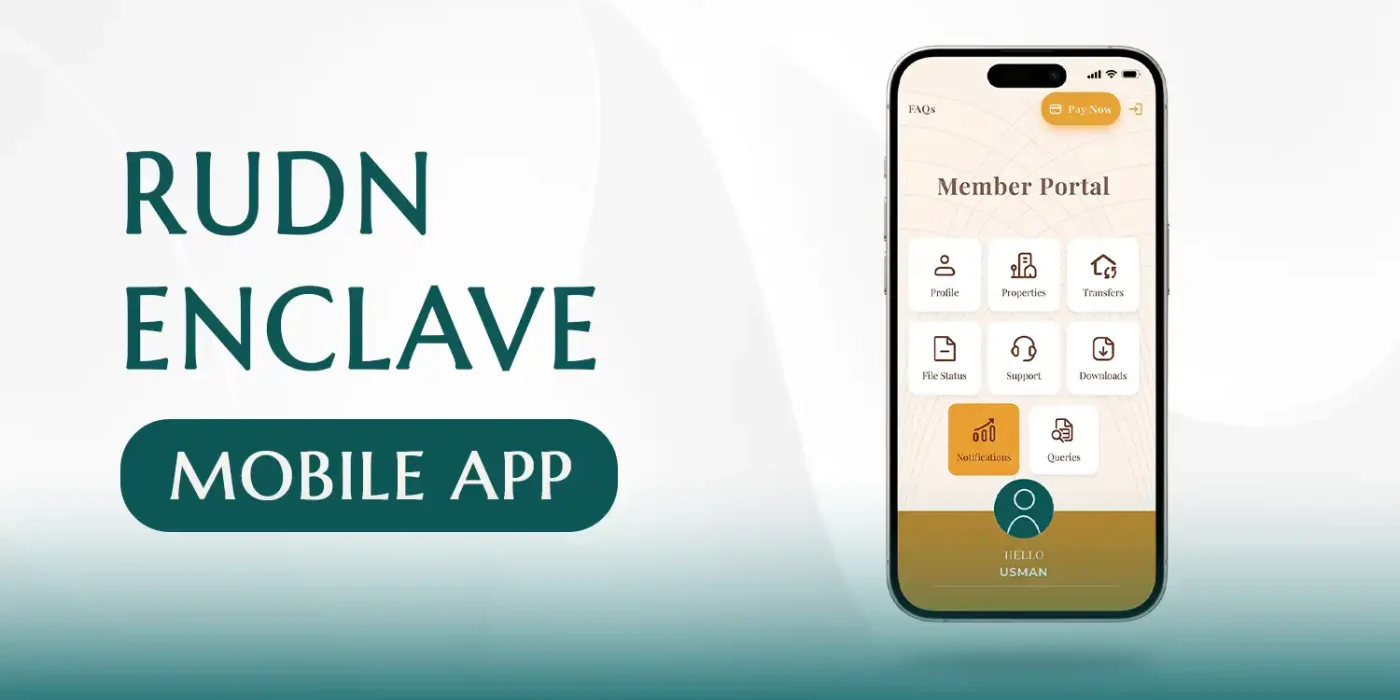
RUDN Enclave has introduced official mobile app to make property management easier, faster and more convenient for members in Pakistan and overseas.
The app brings important property-related services into one place, allowing members to check their files, review ledger and payment details, initiate property transfer requests, update profile information, contact the Information Team, submit support tickets and receive important notifications directly from their mobile phone.
For members who previously needed to contact different departments for routine account or property queries, the app provides a more convenient digital channel for managing key property information from home or while living abroad.
This guide explains the main features of the RUDN Enclave Mobile App, how to register, how payments and transfers work, and how members can use the app to manage their property more efficiently.
A Smarter Way to Manage Your RUDN Enclave Property
Property management often involves checking multiple pieces of information, including:
- File status
- Payment history
- Ledger balance
- Personal details
- Transfer requests
- Support queries
- Important updates
The RUDN Enclave app brings these functions together within a single mobile platform.
Members can use the app to access their property information without needing to visit an office for every routine query.
This is particularly useful for overseas RUDN Enclave members, who can manage many important account-related tasks remotely.
The app is currently available through the Google Play Store.
What Can You Do With the RUDN Enclave Mobile App?
- View registered property files
- Check ledger information
- Review payment details
- Download ledger records
- Make online payments
- Upload bank-transfer payment receipts
- Initiate property transfer requests
- Track transfer-request status
- Check the status of registered files
- Review and update profile information
- Request correction of incorrect data
- Contact the Information Team
- Use WhatsApp, phone, email or live chat for support
- Create support tickets
- Track query progress
- Receive important notifications and updates
How to Download the RUDN Enclave App
- Open the Google Play Store on your Android device.
- Search for RUDN Enclave.
- Install the official app.
- Open the app once installation is complete.
Members should make sure they are installing the official RUDN Enclave application before entering any personal or property information.
How to Register Your RUDN Enclave App Account
After opening the app, select the Sign Up option to begin registration.
Step 1: Enter Your CNIC
Enter the CNIC number registered in RUDN Enclave’s existing records.
Step 2: Enter an Active Mobile Number
Provide an active mobile number. Members may also provide an alternative mobile number where applicable.
Step 3: Request OTP Verification
Request an OTP — One-Time Password to verify your registration information. Enter the OTP when received and continue with the registration process.
Registration for Overseas RUDN Enclave Members
If you live abroad and do not have access to a Pakistani mobile number, the registration process allows you to request the OTP through email.
This is an important feature for overseas members who may otherwise find mobile-number-based verification difficult.
Registration Review and Approval
After entering the required information and completing verification, submit your registration request.
According to the app guidance, after the required verification and CBC process is completed, applications are generally approved within approximately 24 hours.
Once the application is approved, login details are provided through the member’s registered phone number or email.
RUDN Enclave App Home Screen
- Profile
- Properties
- Transfers
- File Status
- Support
- Notifications
- Queries
Profile: View and Update Your Personal Information
The Profile section allows members to review personal details, contact information and address information.
Members can also update their address where required, using OTP verification.
Request Corrections to Incorrect Account Information
If a member finds that information stored in the RUDN Enclave record is incorrect, the app allows them to request a correction.
Properties: View All Your Registered Property Files
The Properties section displays the property files registered against the member’s account. Members with more than one registered property can access them from the same section.
Check Your RUDN Enclave Ledger
From the Properties section, select the relevant file and open the payment information.
- Ledger
- Payment history
- Property-related payment details
The app also allows members to download the ledger.
Online Payment Options in the RUDN Enclave App
- Bank Transfer
- 1Bill
- Credit Card
- Debit Card
1Bill Payments and Automatic Ledger Update
According to the app instructions, when a payment is made through 1Bill, the member’s ledger can be updated automatically.
Upload Bank Transfer Payment Receipts
Members who make payments through a bank transfer can upload the relevant payment receipt through the app.
Managing Payments and Ledger Information in One Place
Check Ledger → Make Payment → Upload Receipt if Required → Review Updated Ledger
Start a Property Transfer Request Online
The app includes a Transfers section. Members can use this section to initiate a property-transfer request online.
To begin, open the Transfer section and select the plus (+) button.
Nominee and Buyer Information
As part of a property-transfer request, members may need to provide details relating to the nominee and buyer.
Track Your Property Transfer Request
- Pending
- Approved
- Rejected
Check the Status of All Your RUDN Enclave Files
The File Status section allows members to see files associated with their CNIC.
For example, if a file is marked as frozen or has another status, the member can see that information from the app.
Support: Contact the RUDN Enclave Information Team
- Phone
- Live Chat
Notifications: Stay Updated With Important Information
The Notifications section provides important app-related updates and new information.
Queries: Create and Track Support Tickets
- Open the Queries section.
- Select the relevant category.
- Enter details of the issue.
- Submit the support ticket.
Members can receive updates about their submitted support ticket through email.
According to the app guidance, many issues are targeted for resolution within approximately 24 to 72 hours, depending on the query category and complexity.
How the App Helps Overseas RUDN Enclave Members
- Register using email-based OTP where Pakistani mobile access is unavailable
- Review registered property files
- Check ledger information
- Monitor payment details
- Use online payment options
- Upload receipts
- Begin transfer requests
- Track file status
- Contact support
- Submit queries
- Receive updates
RUDN Enclave App Features at a Glance
| Feature | What Members Can Do |
|---|---|
| Profile | View personal details, update address and request data corrections |
| Properties | View registered property files |
| Ledger | Check and download ledger/payment information |
| Payments | Use bank transfer, 1Bill and credit/debit card options |
| Receipt Upload | Upload bank-transfer payment receipts |
| Transfers | Initiate and monitor property transfer requests |
| File Status | Check the current status of registered files |
| Support | Contact the Information Team through phone, WhatsApp, email or live chat |
| Notifications | Receive important updates |
| Queries | Submit support tickets and monitor progress |
How to Get Started
- Open the Google Play Store.
- Search for RUDN Enclave.
- Install the official application.
- Open the app.
- Select Sign Up.
- Enter the CNIC registered with RUDN Enclave.
- Enter an active phone number or use the applicable overseas email verification option.
- Request and complete OTP verification.
- Submit the registration request.
- Wait for verification and approval.
- Use the login details provided after approval.
- Sign in and access your property dashboard.
Tips for a Smooth Registration
- Use the same CNIC information already registered in RUDN Enclave records.
- Provide a mobile number or email that you actively use.
- Check all information before submitting the registration form.
- If your existing property information is incorrect, use the app’s correction-request functionality after account access is available.
- Keep your login information secure and avoid sharing OTPs or account credentials with others.
Frequently Asked Questions About the RUDN Enclave Mobile App
What is the RUDN Enclave Mobile App?
It is the official mobile application designed to help RUDN Enclave members manage property information, payments, transfers, support queries and account updates digitally.
Where can I download the app?
The RUDN Enclave app is available through the Google Play Store.
What do I need to register?
You need to enter the CNIC registered with RUDN Enclave and complete the required mobile or email verification process.
Can overseas members register?
Yes. If an overseas member does not have a Pakistani mobile number, the app process allows OTP verification to be requested through email.
How long does account approval take?
The app guidance states that after verification and the required CBC process, registration is generally approved within approximately 24 hours, although individual cases may vary.
Can I check my property ledger through the app?
Yes. Members can select a registered property and review its ledger and payment details. The ledger can also be downloaded.
Can I make payments through the app?
The app includes payment options for bank transfer, 1Bill and credit/debit cards.
Does my ledger update automatically?
Payments made through 1Bill may update the ledger automatically. Bank-transfer users can upload the payment receipt through the app.
Can I request a property transfer?
Yes. The Transfers section allows members to begin a property transfer request by entering the required nominee and buyer information.
Can I track my transfer request?
Yes. Transfer requests can be viewed as pending, approved or rejected.
Can I see the status of all my files?
Yes. The File Status section allows members to view registered files associated with their CNIC and check their current status.
How can I contact RUDN Enclave through the app?
The Support section provides access to phone, WhatsApp, email and live chat communication.
Can I submit a complaint or support query?
Yes. Members can create a ticket through the Queries section, select the appropriate category and submit the issue for review.
Download the RUDN Enclave App and Take Greater Control of Your Property Management
The RUDN Enclave Mobile App brings property information, payments, transfers and member support into a single digital platform.
Whether you are based in Pakistan or overseas, the app makes it easier to stay connected with your property and account.
With access to your files, ledger, online payments, transfer requests, file status, notifications and support tickets, members can manage many important tasks directly from their phone.
Your property information. Your payments. Your requests. Your support — all in one place.
Download the RUDN Enclave App from the Google Play Store and experience a more convenient way to manage your property.